
A full desktop
in your browser
ThunderOS gives you apps, files, themes, and a taskbar — all running on your device. No login or password needed to start. An optional passcode lets you lock your session locally. Nothing is uploaded. Nothing is shared.
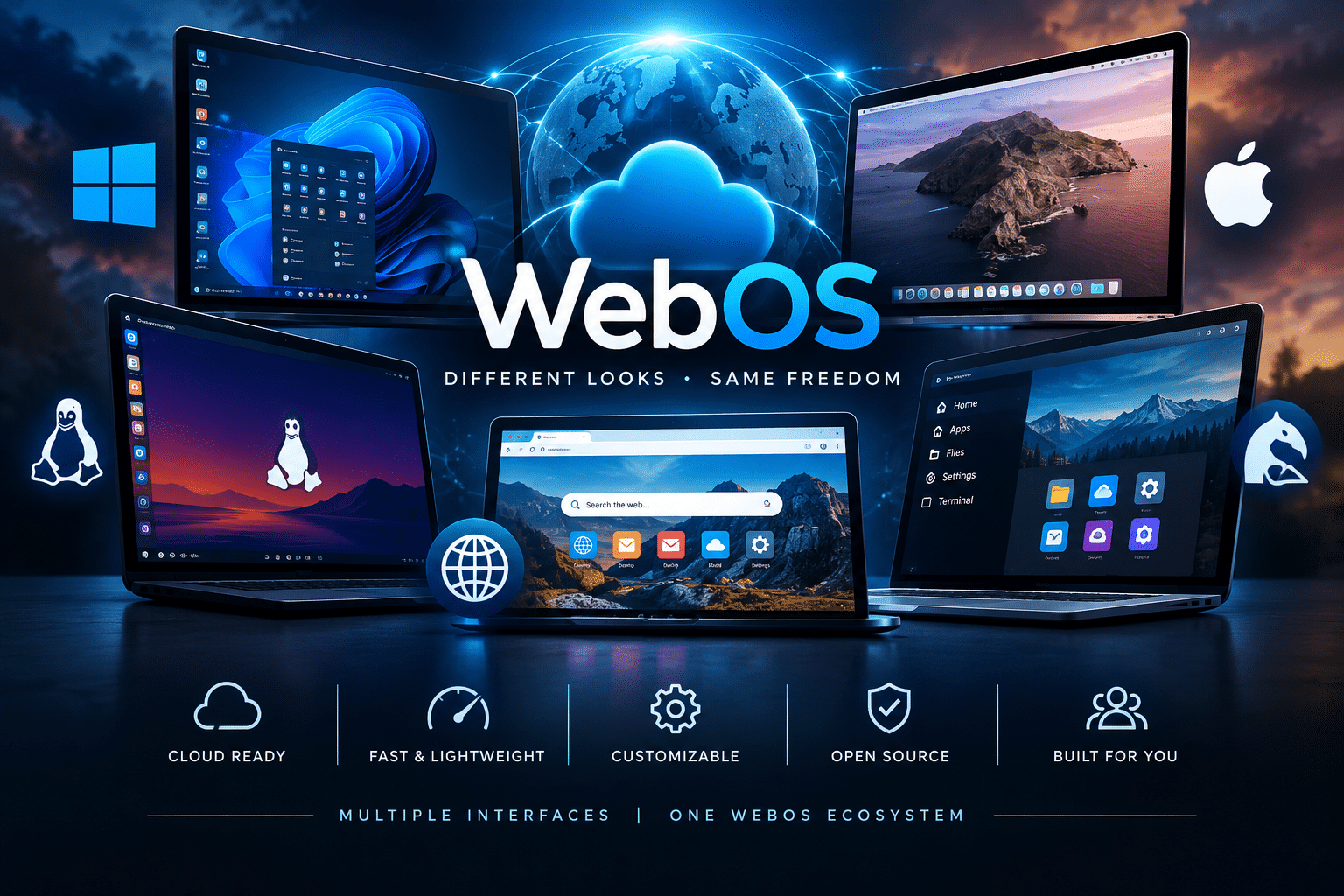
What you can do
A familiar desktop experience without installing anything.
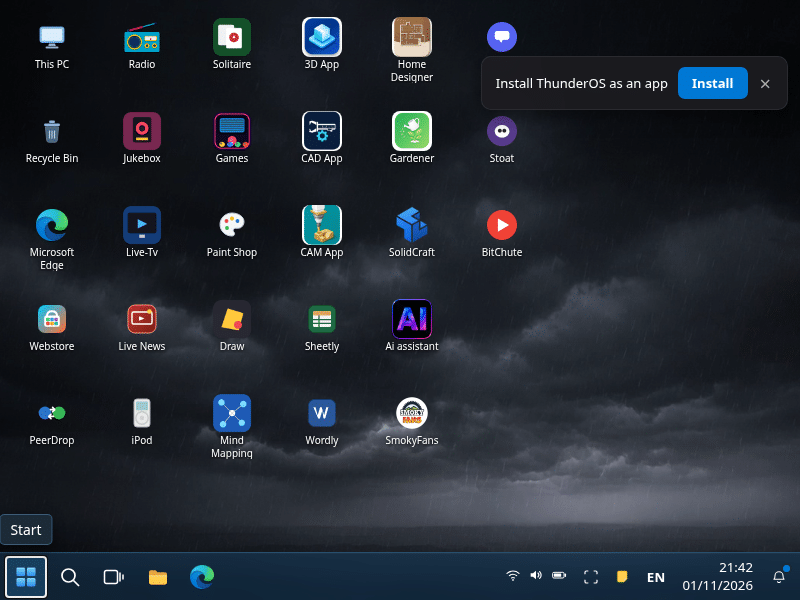
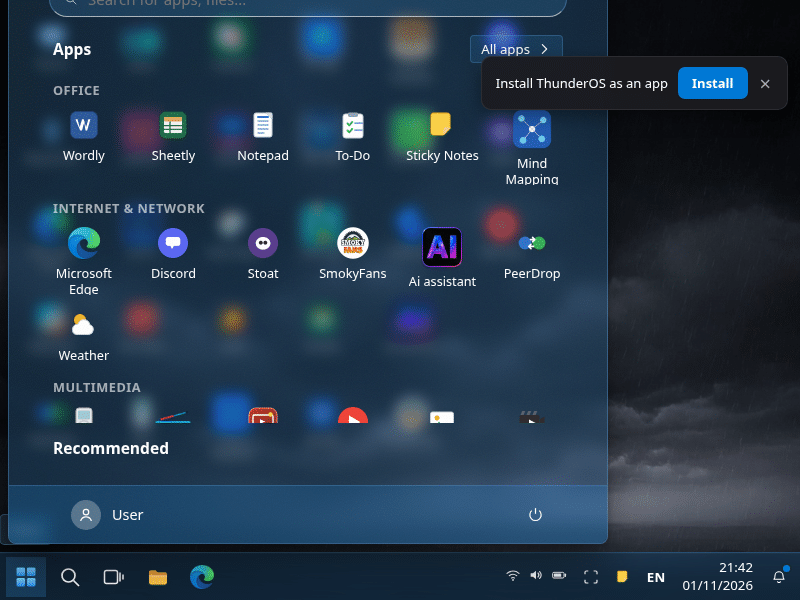
Desktop & apps
Icons, windows, a start menu, and a taskbar. Open the browser, file manager, and more right inside the page.
Themes & wallpapers
Change accent colors, switch wallpapers, and personalize the look. Your theme settings stay saved.
Your work is saved
Files, notes, and settings persist on your device. Close the tab and come back — everything is still there.
Optional passcode
No password is required to open ThunderOS. Set an optional passcode later if you want to lock your local session. It never leaves your device.
One-click reset
Need a clean start? The reset option clears your local data so you can begin fresh.
Works on any device
Open it on Windows, Mac, Android, or iOS. Add it to your home screen for a full-screen experience.
See it in action
Real screenshots from ThunderOS.
Your data stays on your device
ThunderOS stores everything in your browser’s local storage. No servers. No accounts. No sharing.
- No login required. Open ThunderOS and start using it immediately. No password, no account, no signup.
- Passcode is just a lock. An optional passcode keeps casual visitors out of your local session. It is not an online account.
- Local only. Files, themes, and settings stay on the device you’re using.
- Your work is saved. Come back later and pick up exactly where you left off.
- Reset clears it all. One option wipes local data so you can start clean.
Also from ThunderTech
Tech News — updated daily
How-tos, security tips, Android updates, and practical advice from MakeUseOf, Lifehacker, CyberGuy, and more. All in one place.
Ready to try it?
No account. No password. No install. Opens in your browser.